You build the day.
- Create the production and its days
- Lay out the blocks and pin the transmission window
- Name one lead per department
- Set the notification lead time for the production
- Send the crew their links
Five steps. The first four happen in an office, a hotel room or a car; the fifth happens with a count of three. Nothing is carried between them by hand.
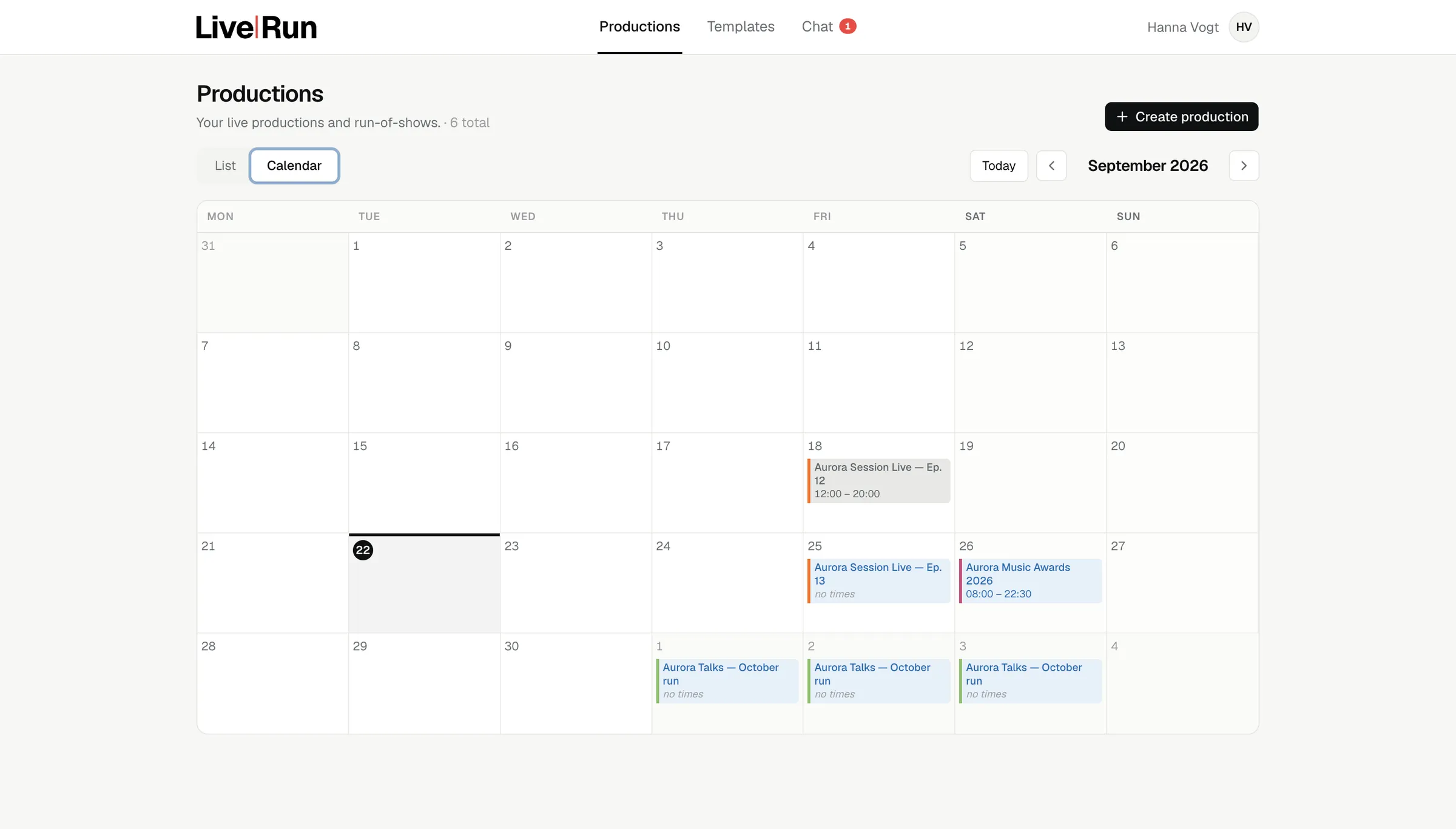
Dates, venue and the shape of the production, next to every other production you have on. The clash you would otherwise find in an email thread shows up while there is still time to move something. It also publishes as a subscription feed, so the dates land in the calendar the rest of the company already uses.
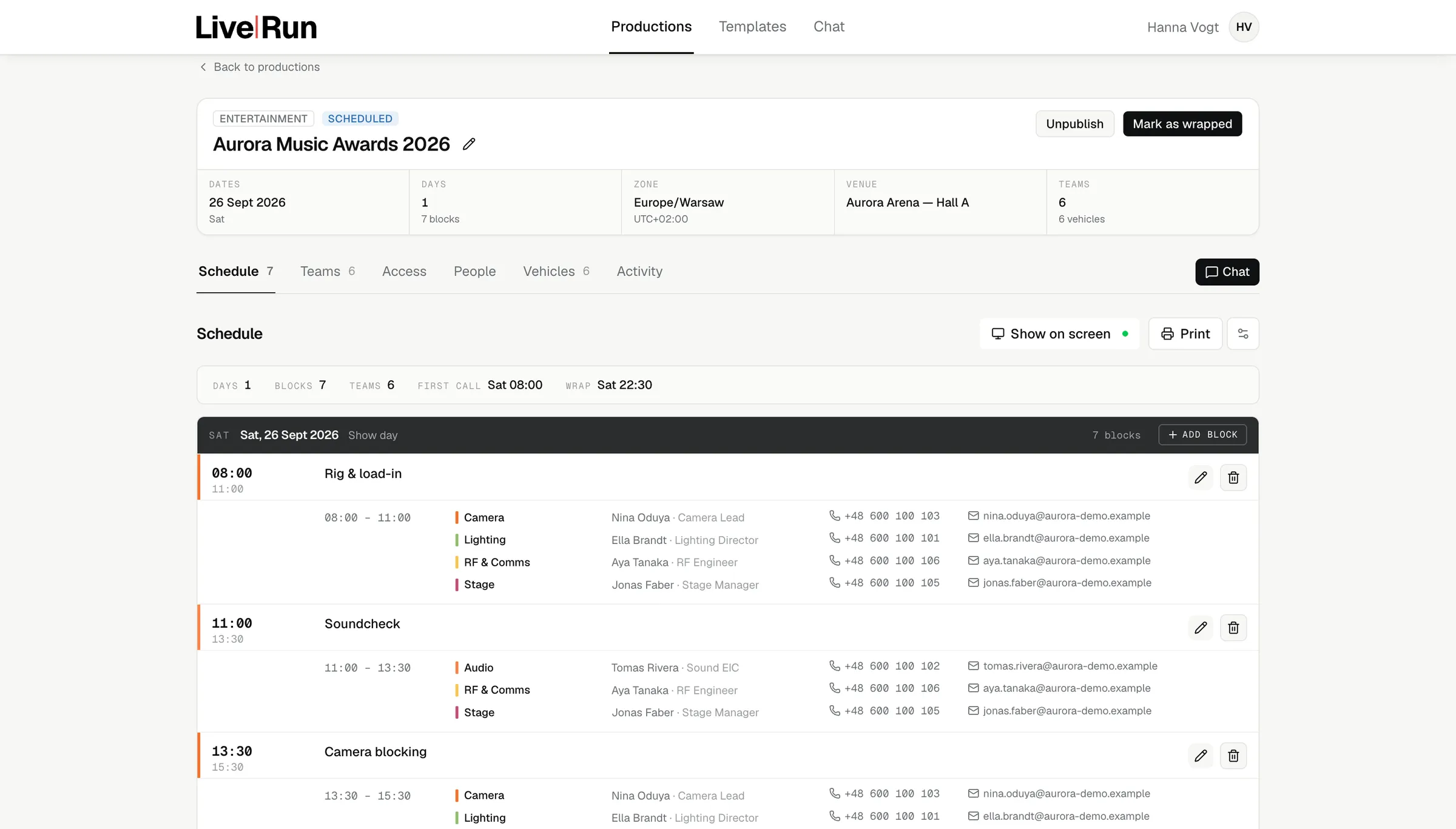
Not just the show window. Rig, load-in, soundcheck, blocking, rehearsal, doors, transmission, strike — each block with its own window, the departments called into it and the people on site. Move one block and everything after it cascades. Pin the transmission block and it holds at 19:00 while the rehearsal runs long.
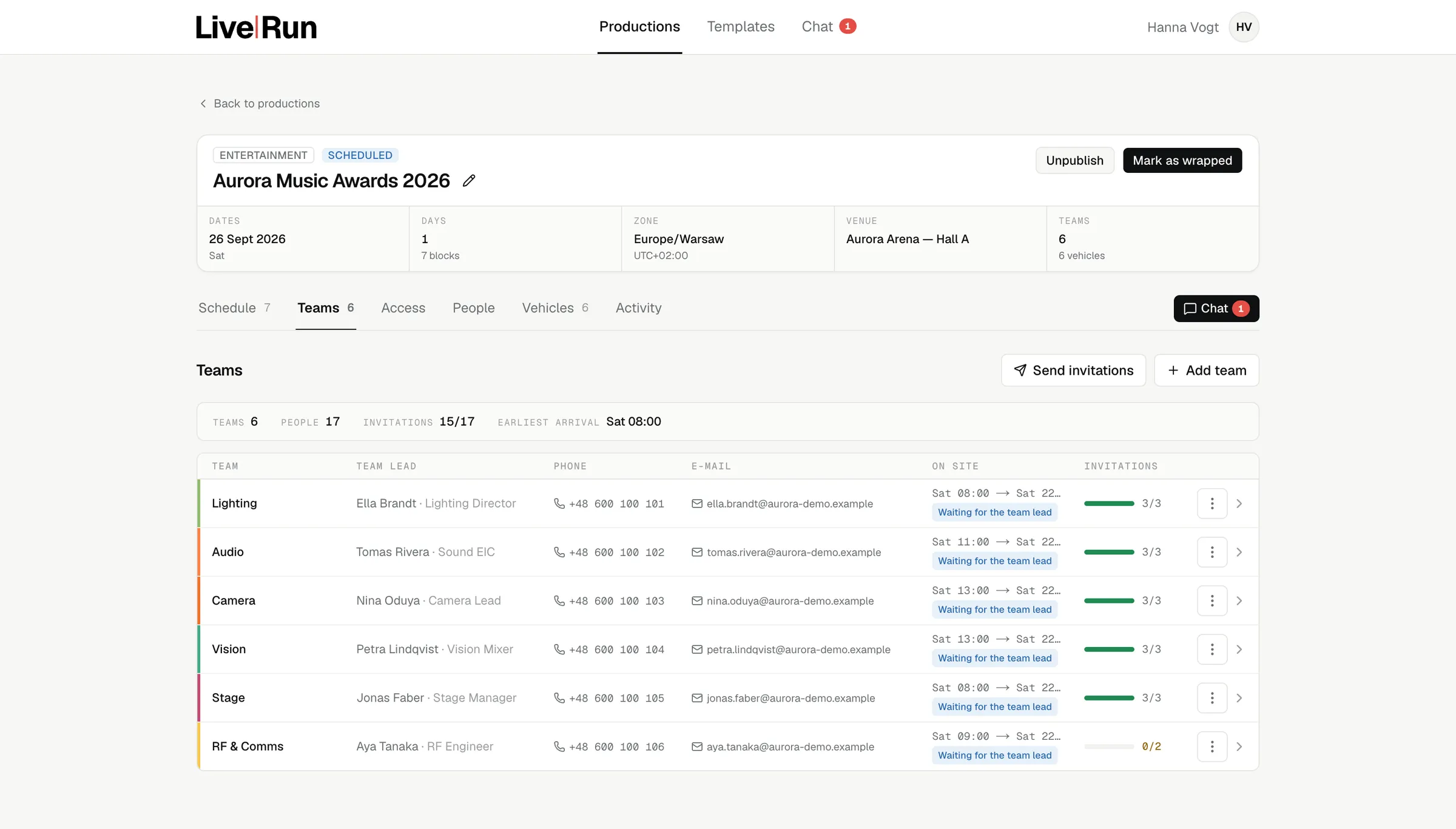
A producer typing in thirty names is a producer doing somebody else’s job. Name one lead per department and they staff their own department, and only their own — that limit is in the database, not in a convention. Everyone is inside the production from the first week, not on the morning of the show.
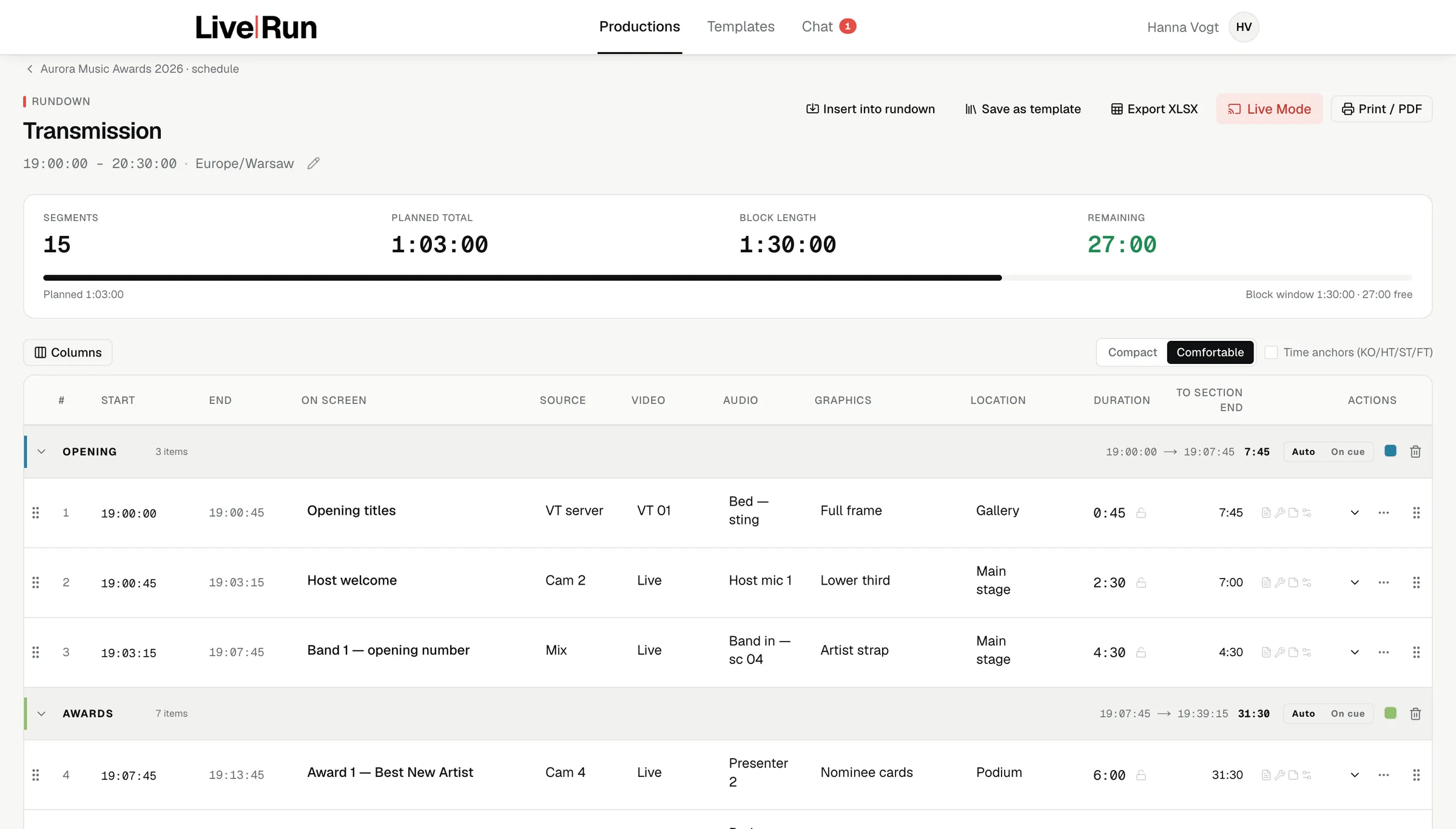
Segments with durations, sources, video, audio, graphics, location and notes, adding up against the block window as you type. Columns are yours: switch them on, reorder them, pin the ones that never move — and the order you set is the order the operator scans in the console. Lock a duration that is not yours to change. Turn on time anchors for sport. Save the result as a template, or pull a running order straight out of a production you ran before.
The crew get their links by e-mail, each one its own — the panel shows who has not had theirs yet rather than a wall of confirmations. Then the transmission block opens: the console takes the clock, the wallboard goes up in the green room, and the phones on the floor follow the same rundown the gallery is reading.
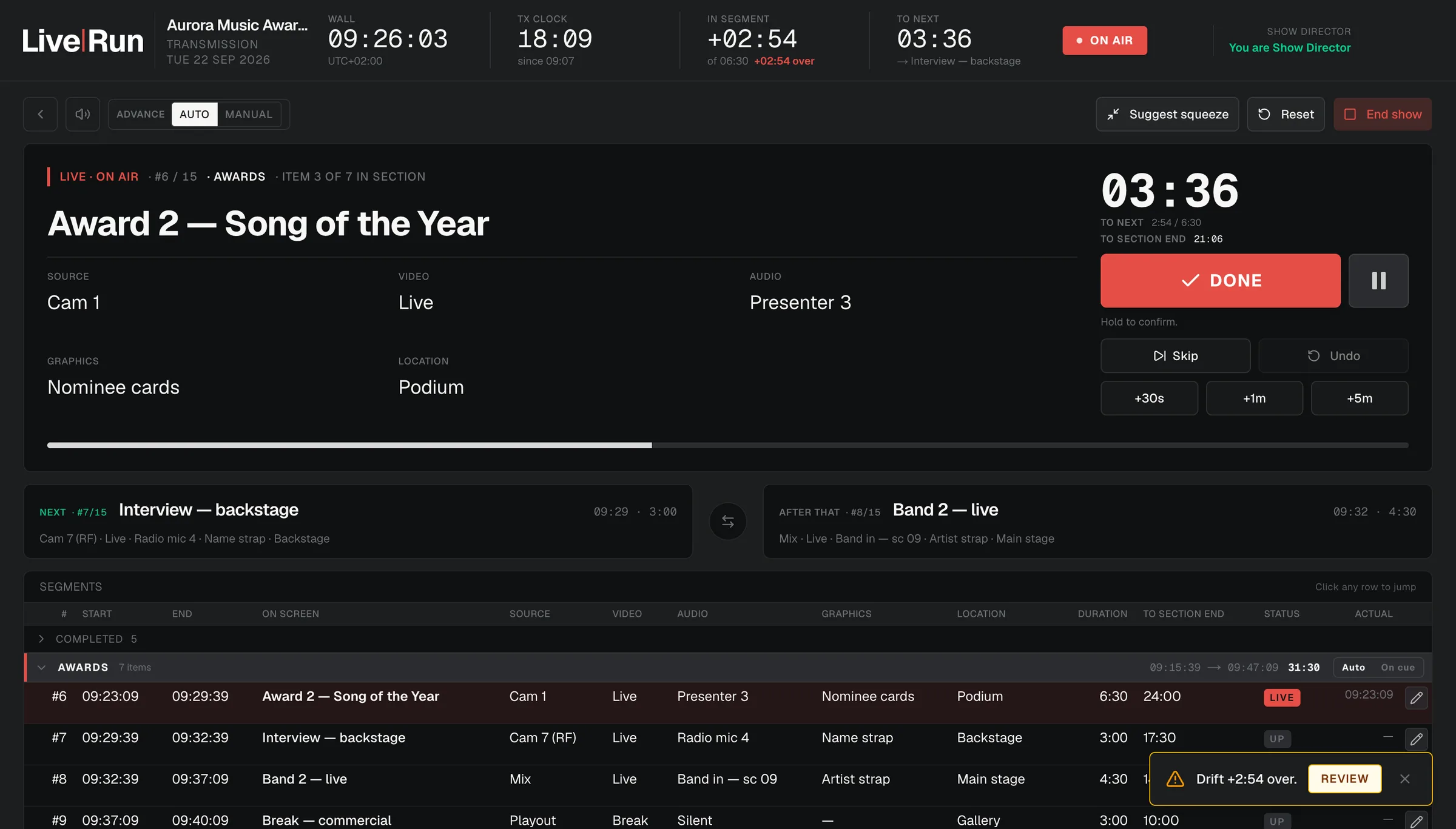
It does not play a single frame, drive automation or touch a router. It tells the people who do those things what is next, and when.
Keep the tracker your office runs on. It was not built for the week the set goes up, and it is no use with minutes to air.
Keep that too. The channels here exist because the roster exists, and they disappear with the production.
There is no wire, no story pool and no scripting workflow for a daily bulletin. This is built for a production day with a transmission window at the end of it.
Bring one — the next one you have in the diary. We build the day, the departments and the rundown with you, and you run it.